
Better safe than sorry.
Download the App. Don’t guess authenticity. Check it.


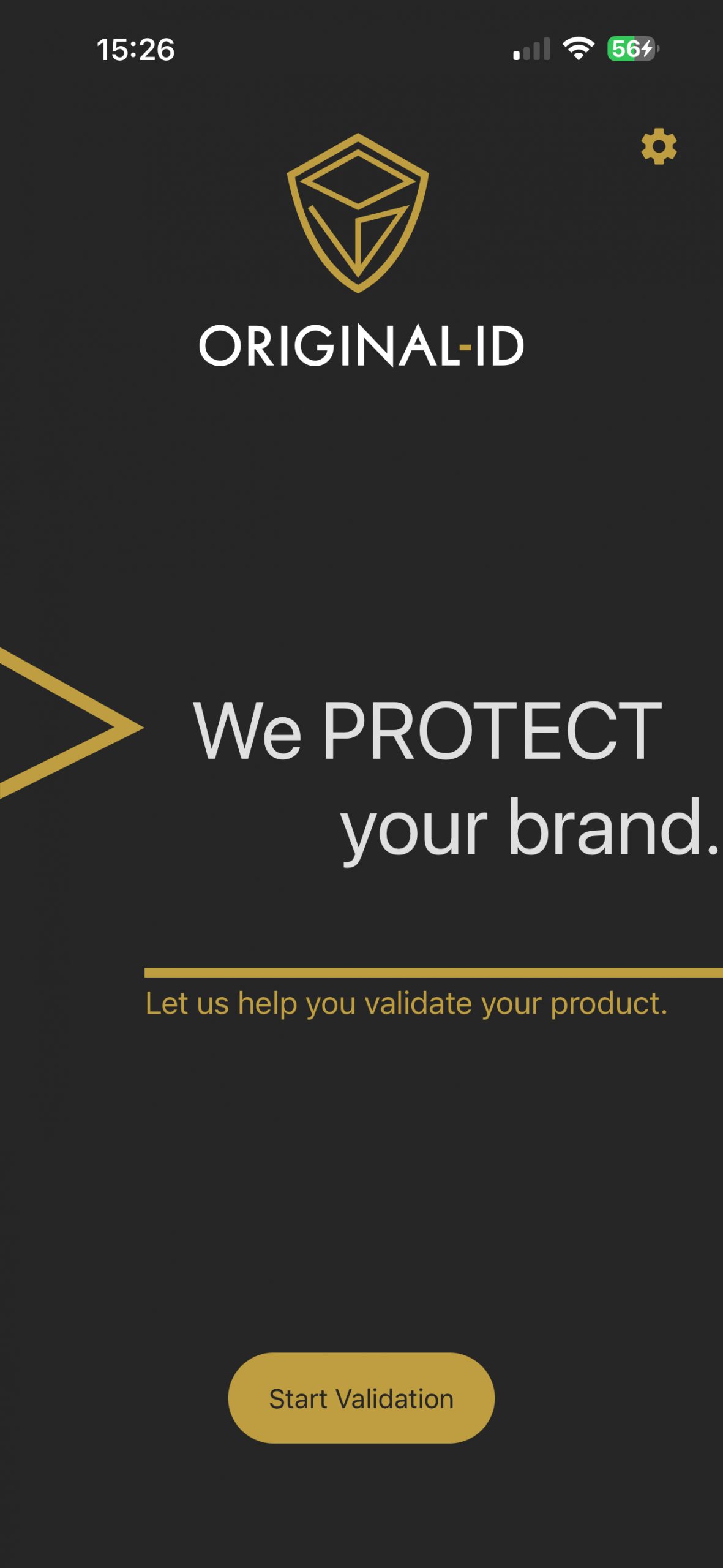
Start of the validation.
This is where the journey to authentication begins. Tap the “Start Validation” button to start the process and check the authenticity of your product.
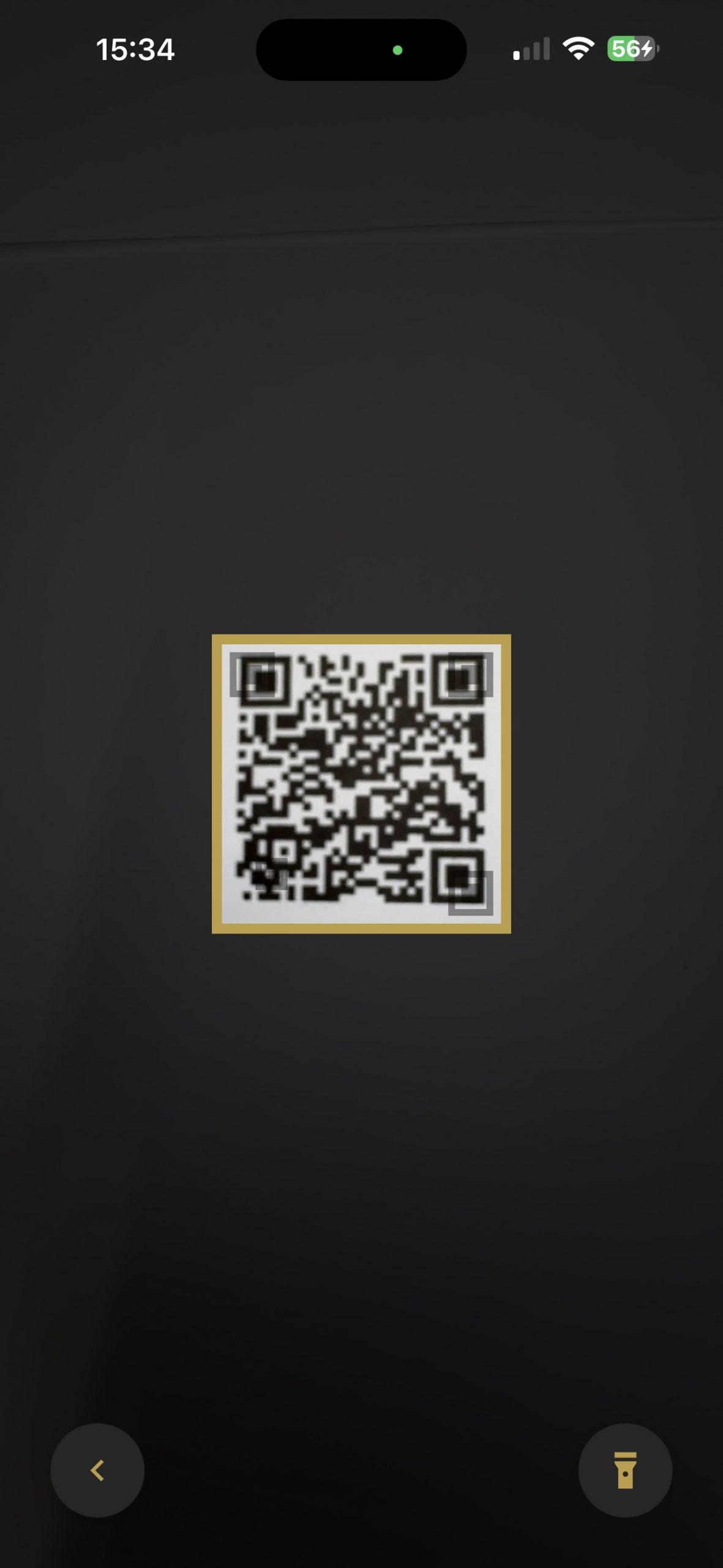
Scan screen.
Now it’s getting exciting! Simply move the device over the label and the ORIGINAL-ID app does the rest. Form deviations, waviness, roughness and pattern of the surface are compared to ensure authenticity.
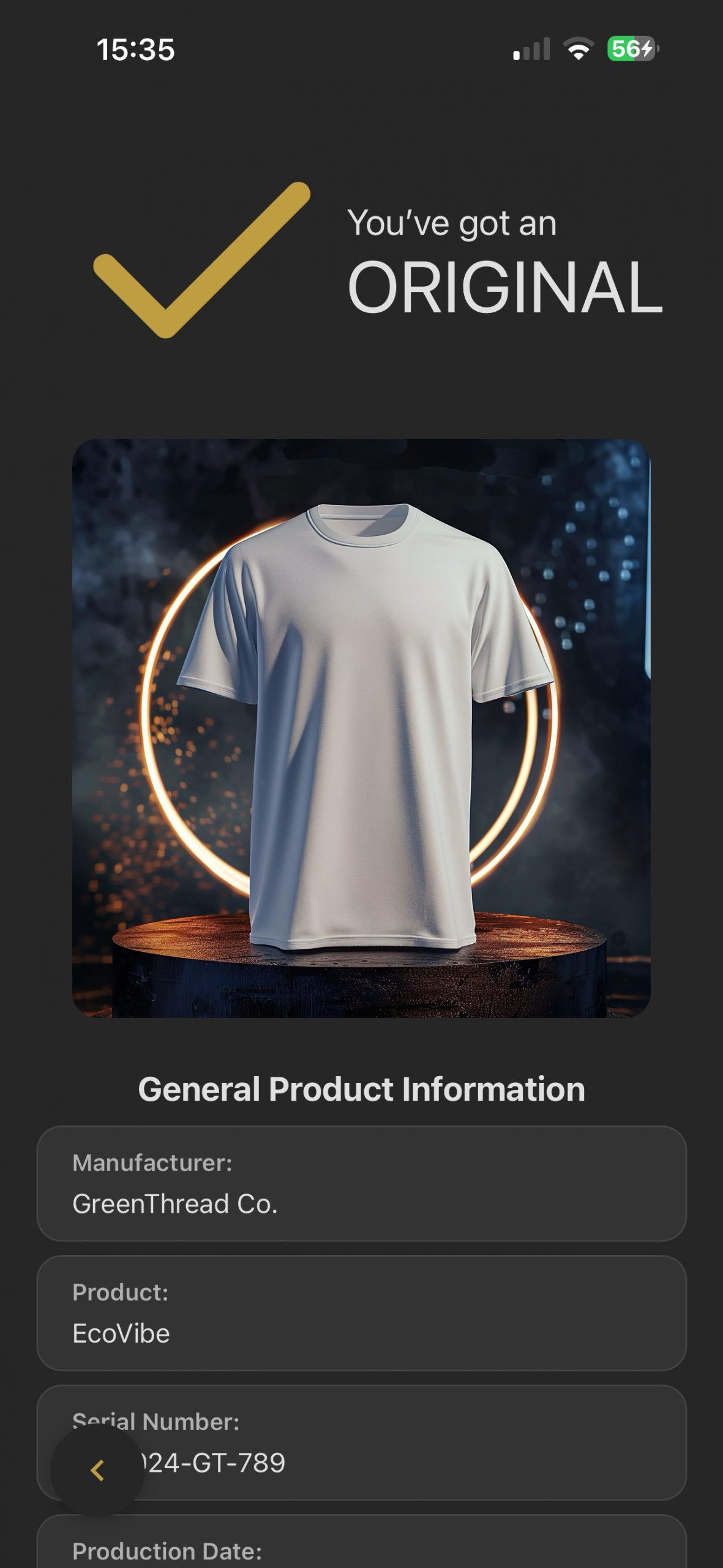
The product is an original.
Congratulations! The ORIGINAL-ID app has confirmed that your product is authentic. You can rest assured that you are holding an original product in your hands thanks to the ORIGINAL-ID technology.
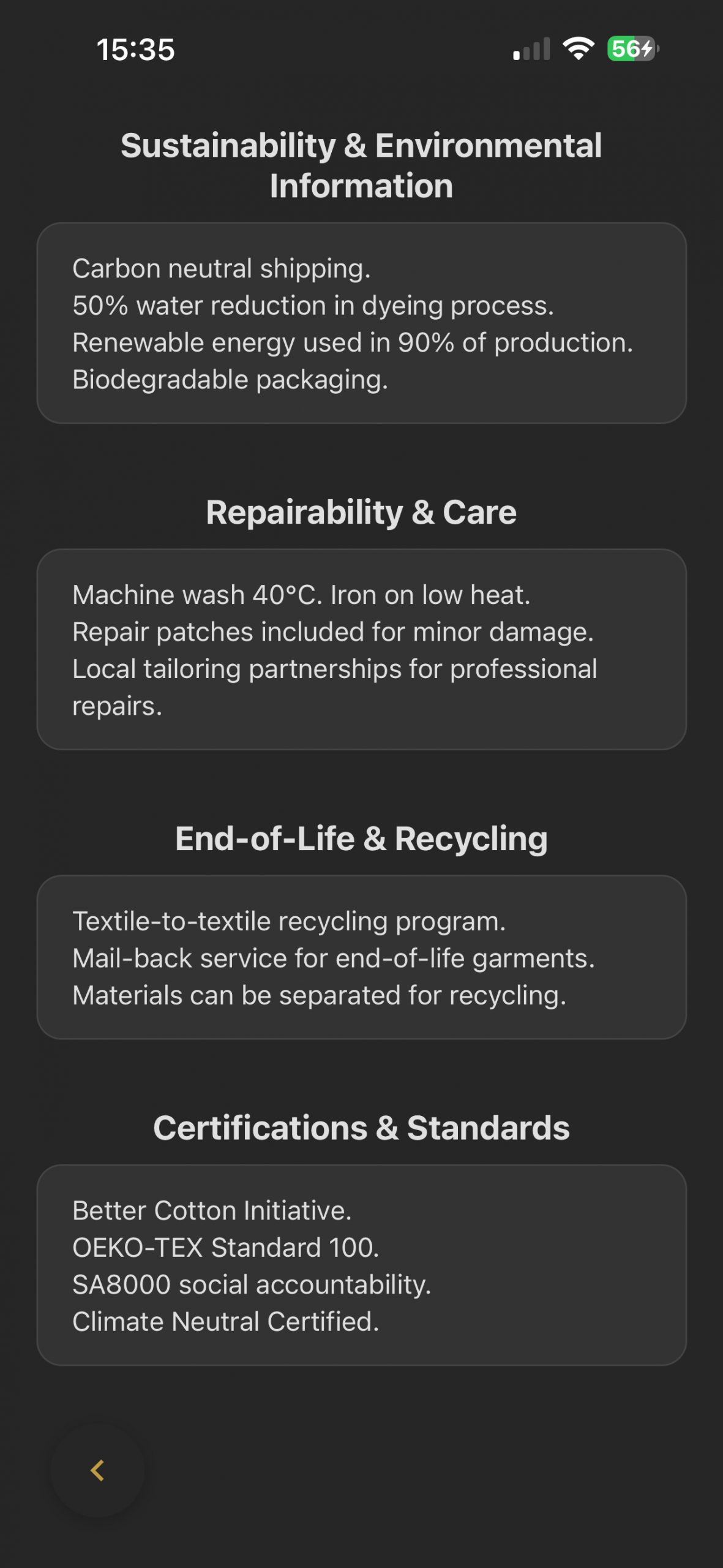
Transparent product information at a glance.
The Digital Product Passport provides verified information about the product’s lifecycle. Material details, production data, sustainability information and recycling guidance are made accessible through a single scan.
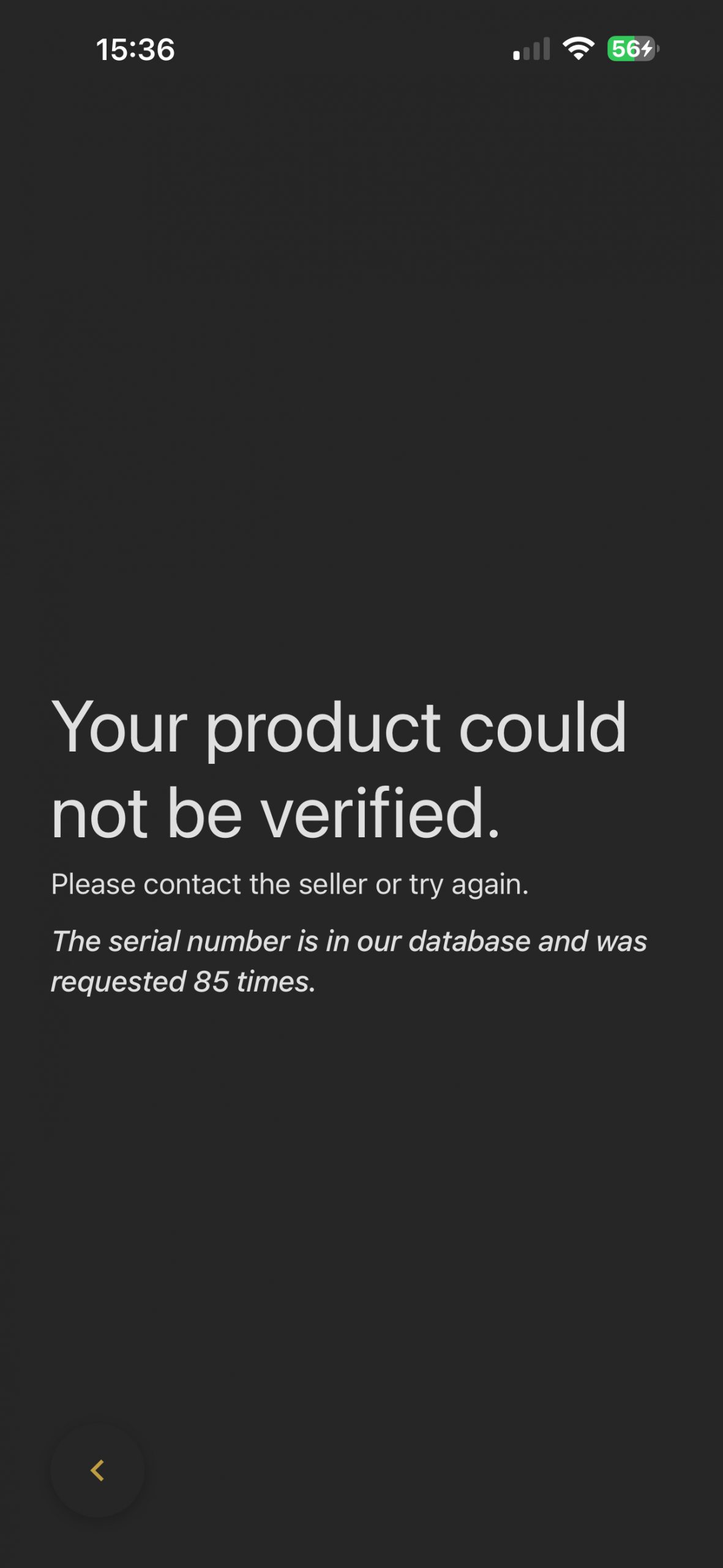
Your product could not be verified.
The ORIGINAL-ID app was unable to confirm the authenticity of this product. This may indicate that the item does not match the stored surface fingerprint or has been altered. Verification helps protect brands and consumers by identifying products that cannot be authenticated.
Put an end to Counterfeits.
Turn your smartphone into a high-performance scanner. Verify the authenticity of your products in seconds. Free and secure.